
Which course platforms work with Claude and ChatGPT?
All four platforms here now have, or are testing, their own MCP connector: the link that lets Claude or ChatGPT work inside your school. They differ in what the connector can do, which plan it's on and which assistants it works with.
Every fact below comes from the vendor's own help centre, pricing or developer pages, with a link to each source. These features are changing month by month, so check the date and the source before you decide. We build on LearnWorlds and we're LearnWorlds affiliates, so we've kept to what each vendor says about itself.
The short version
- LearnWorlds: a connector for Claude and ChatGPT, in its initial beta, that reads and makes changes, on Learning Center and above, with toolsets and read-only addresses to limit what the assistant can touch.
- Kajabi: a connector for Claude, ChatGPT and Cursor that reads and makes changes, most of them as drafts for you to review, on all plans for now.
- Thinkific: a read-only connector in beta for Claude, on Plus, with ChatGPT in a closed beta.
- Teachable: an experimental connector for Claude that runs on your own computer, by waitlist, on Growth and above.
Claude can plan courses, write in your voice and build interactive lessons whatever platform you use. This page is about Claude working inside the platform itself.
Side by side
| Feature |  LearnWorlds |  Kajabi |  Thinkific |  Teachable |
|---|---|---|---|---|
| Its own MCP connector for Claude or ChatGPT | Yes: the LearnWorlds MCP, for Claude and ChatGPT, in its initial beta. Reads and makes changes. Learning Center plan and above. | Yes: Kajabi MCP, for Claude and ChatGPT. Reads and makes changes, most as drafts to review. All plans for now. | Yes: Thinkific MCP, in beta for Claude. Read only. Plus plan. | Early access: Teachable MCP, for Claude, by waitlist. Growth plan and above. |
| Public API | Yes: REST API with OAuth2. Learning Center plan and above. | Yes: public REST API. Included on Pro, or a $25 a month add-on. | Yes: REST and GraphQL APIs. Grow plan and above. | Yes: public API that reads and writes. Growth plan and above. |
| Built-in AI | AI course creation, authoring agents, AI video and audio, AI questions and activities, and AI for learners and reports. | Cofounder, the built-in AI assistant, and AI course outlines. | Thinker, an AI teaching assistant for learners (Plus), plus AI course outlines and quizzes. | AI course starter, quiz generator, sales page drafts and translated subtitles. |
| Webhooks and Zapier | Webhooks on Learning Center and above. Zapier on Pro Trainer and above. | Webhooks on Growth and Pro. Zapier supported. | Webhooks on Grow and above. Zapier triggers on all plans. | Webhooks and Zapier on Growth and above. |
 (opens the page in a new tab)
Its own MCP connector for Claude or ChatGPT
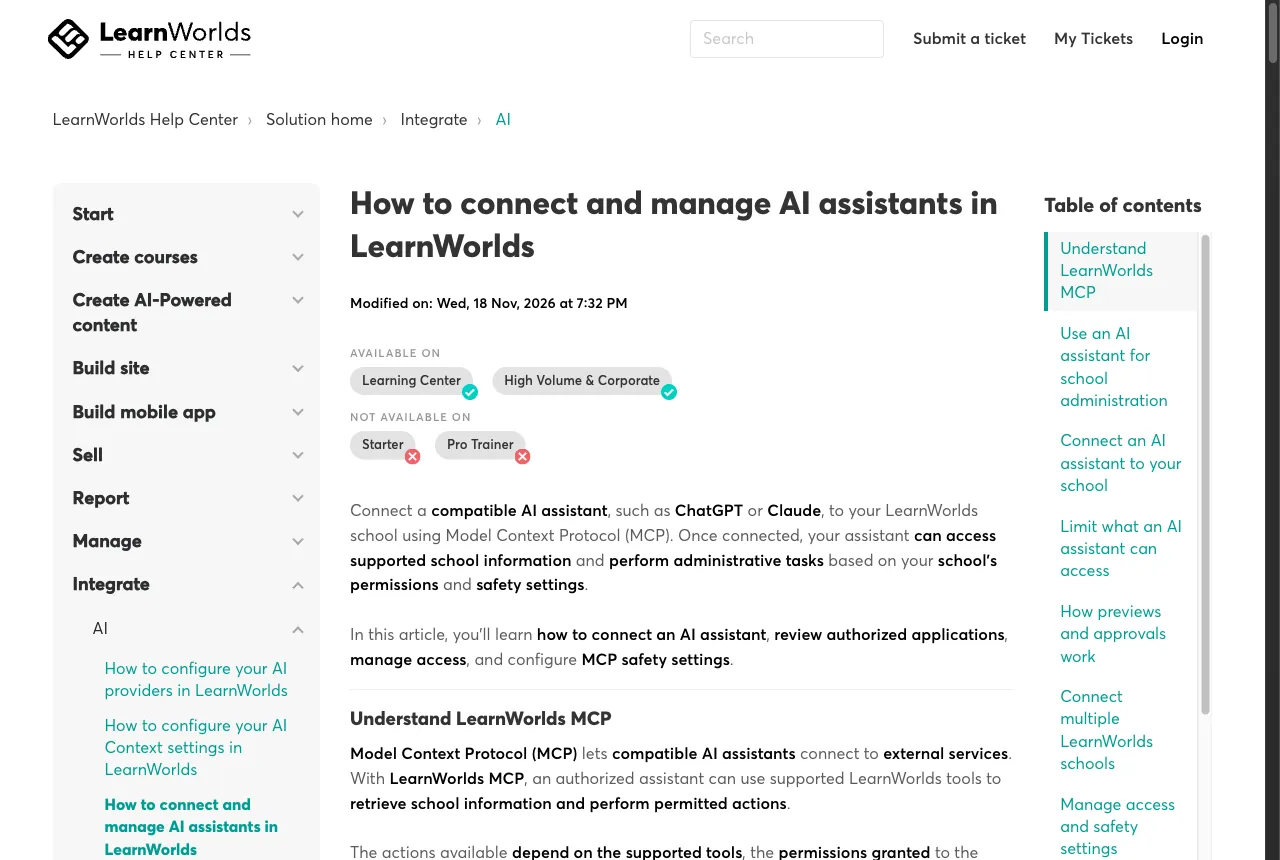
- The LearnWorlds MCP connects ChatGPT, Claude or another assistant that supports remote MCP connections to your school.
- It can work with courses, learners and enrolments, learner progress and other admin tasks, and make changes as well as read.
- Toolsets let you limit the assistant to one area, such as courses, users, analytics or automations, and each toolset has a read-only address.
- School-wide safety switches: turn the server off, stop all changes, and "Allow irreversible actions", which is off by default.
- On the Learning Center and High Volume & Corporate plans. Only full administrators can connect it, and each school is connected separately.
- LearnWorlds describes custom permissions for individual apps as not yet available in the initial beta.
Sources: LearnWorlds help centre: How to connect and manage AI assistants (opens in a new tab); LearnWorlds plans (opens in a new tab)
Public API
- REST API, authenticated with OAuth2.
- On Learning Center and above.
- Up to 30 requests every 10 seconds.
Built-in AI
- AI course creation, AI video and audio, authoring agents and AI website creation.
- Interactive learning objects: AI questions, AI activities and AI canvas.
- Community AI assistant and an AI feedback and post-exam assistant on every plan.
- AI insights in reports and AI automations on Learning Center and above. Learner AI agents on High Volume & Corporate.
- Monthly AI credits by plan: 300 on Starter, 500 on Pro Trainer, 1,000 on Learning Center.
Sources: LearnWorlds October 2026 releases (opens in a new tab); LearnWorlds plans (opens in a new tab)
Webhooks and Zapier
- Webhooks on Learning Center and above.
- Zapier on Pro Trainer and above.
 (opens the page in a new tab)
Its own MCP connector for Claude or ChatGPT
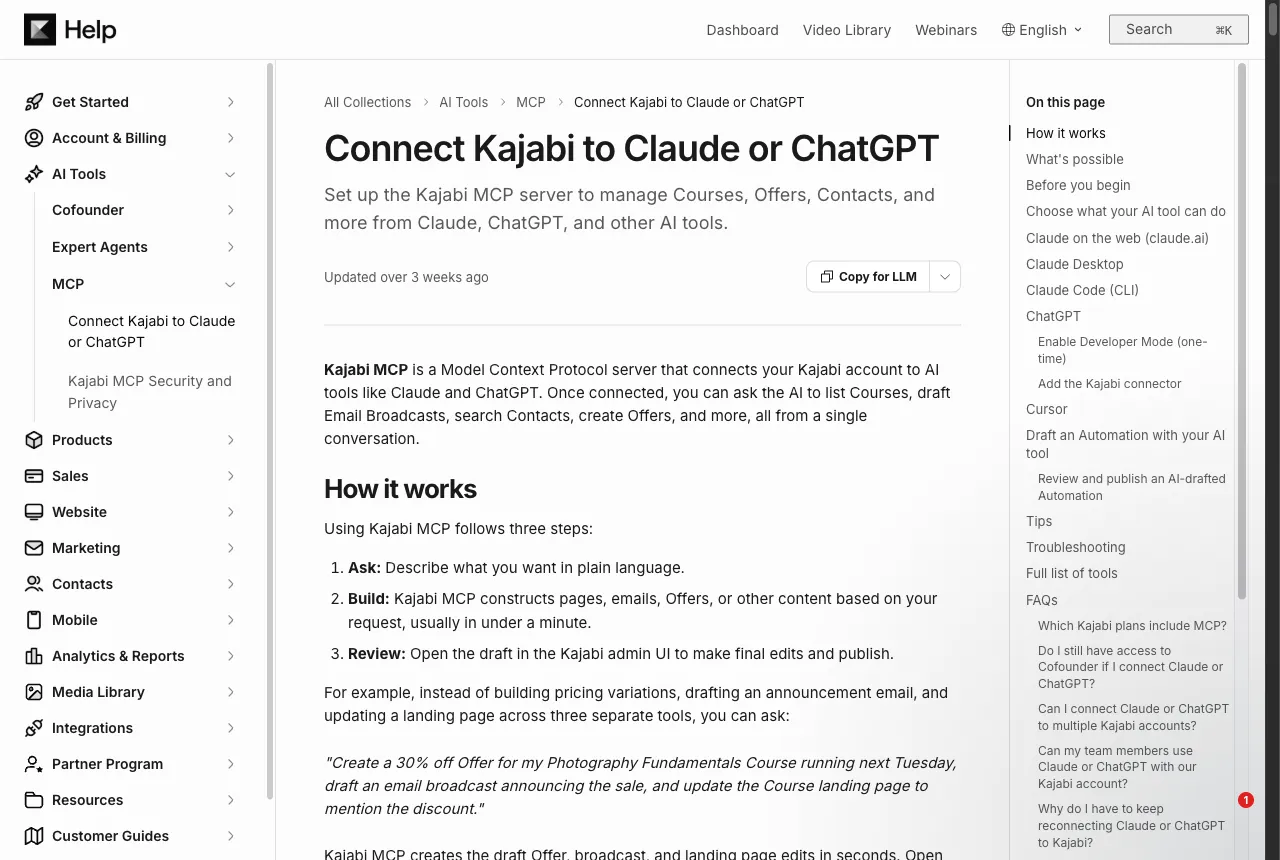
- Kajabi MCP connects a Kajabi account to Claude, ChatGPT and Cursor.
- It can read and create content, offers, emails, contacts, forms, pages and automations. Most changes arrive as drafts to review in Kajabi; community posts and forms publish directly. Automations are never published by the assistant.
- Each permission is granted separately when you connect. Adding account users is off by default.
- Kajabi says MCP is currently included with all Kajabi plans and that future limits may apply.
- In ChatGPT it needs Developer Mode. Plus and Pro accounts get read access; making changes needs a Business, Enterprise or Edu plan.
- Listed in Claude's connector directory.
Sources: Kajabi help centre: Connect Kajabi to Claude or ChatGPT (opens in a new tab); Claude connector directory: Kajabi (opens in a new tab)
Public API
- Public REST API with OAuth credentials.
- Included on the current Pro plan. Other plans add it for $25 a month.
Source: Kajabi help centre: Using Kajabi's public API (opens in a new tab)
Built-in AI
- Cofounder, the AI assistant built into Kajabi, for course content, pages, emails and automations.
- AI course outline generation when you create a course.
- Monthly AI credits for transcription, translation and dubbing: 1,000 on Pro, 500 on Growth.
Sources: Kajabi help centre: Courses overview (opens in a new tab); Kajabi help centre: Connect Kajabi to Claude or ChatGPT (opens in a new tab); Kajabi help centre: AI credits (opens in a new tab)
Webhooks and Zapier
- Webhooks on the Growth and Pro plans.
- Zapier works with the account API key.
Sources: Kajabi help centre: Webhooks explained (opens in a new tab); Kajabi help centre: Zapier (opens in a new tab)
 (opens the page in a new tab)
Its own MCP connector for Claude or ChatGPT
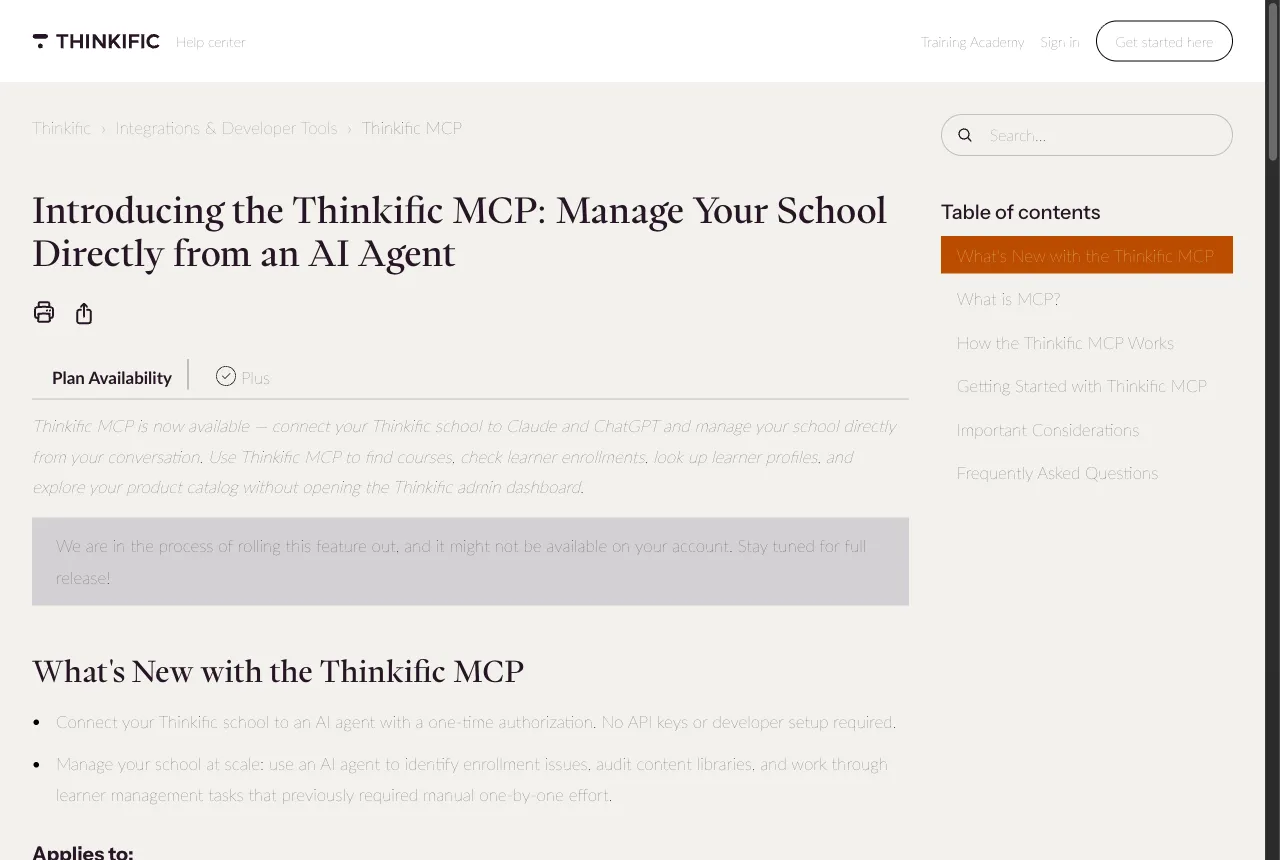
- Thinkific MCP lets an assistant find courses, enrolments, learner profiles, bundles and products.
- Read only for now: it cannot change courses, enrolments or learner records.
- On the Plus plan, for Site Owners and Site Admins. Thinkific says it is in beta and still rolling out.
- Available on Claude. ChatGPT access is in a closed beta, by invitation.
Source: Thinkific help centre: Introducing the Thinkific MCP (opens in a new tab)
Public API
- Admin REST API and a GraphQL API.
- "API and webhooks" are on Grow and above.
Sources: Thinkific API documentation (opens in a new tab); Thinkific pricing (opens in a new tab)
Built-in AI
- Thinker, an AI teaching assistant that answers learners from the school's own content, on Plus.
- AI Course Outline Generator, AI Quiz Generator and AI summaries of analytics.
Webhooks and Zapier
- Webhooks on Grow and above.
- Zapier triggers on all plans, actions on Grow and above.
 (opens the page in a new tab)
Its own MCP connector for Claude or ChatGPT
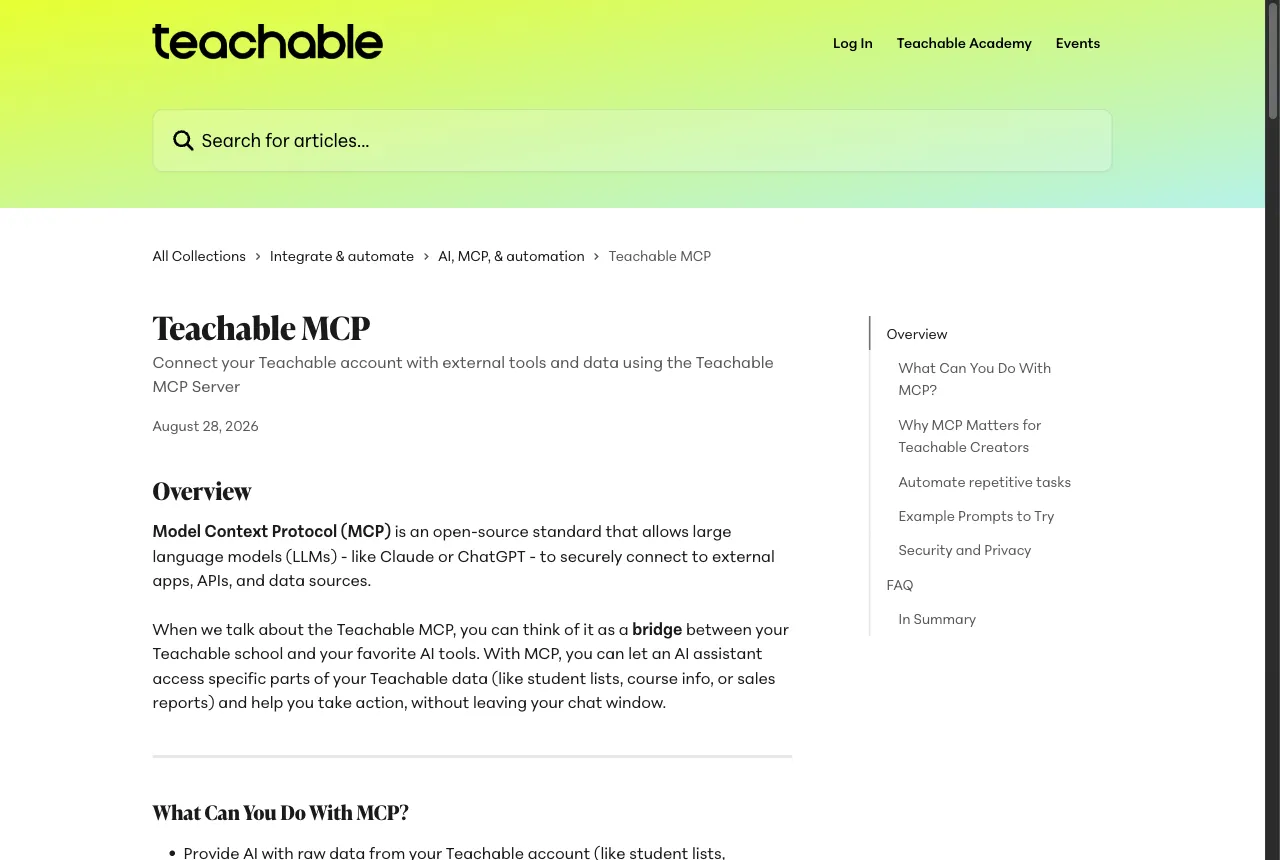
- The Teachable MCP Server lets Claude read students, courses, transactions and engagement, and enrol or unenrol students.
- Teachable calls it experimental and is opening it to a limited group through a waitlist.
- It runs on your own computer and works with Claude only.
- For Growth plan and above, because it uses API access.
Source: Teachable help centre: Teachable MCP (opens in a new tab)
Public API
- Public API that can read, create, update and delete data.
- On Growth and above.
Built-in AI
- A course starter that generates a curriculum.
- An AI quiz generator that turns lessons into quizzes.
- Draft sales pages, and subtitles translated into 70+ languages.
Webhooks and Zapier
- Webhooks on Growth and above.
- Zapier on Growth and above.
Sources: Teachable developer docs (opens in a new tab); Teachable help centre: third-party apps (opens in a new tab)
What to look for
- Can it make changes, or only read? Reading is enough for reports and questions about your learners. Enrolments, coupons and course edits need a connector that can write.
- Can you limit it? Look for read-only options, per-area access and a block on actions that delete data.
- Which plan is it on? Price the plan you'd need for the connector, not the entry plan.
- Which assistant do you use? Some connectors work with Claude only for now.
We build on LearnWorlds and use its connector every day. For what it did on a test school, read how to connect LearnWorlds to Claude. To learn it on your own school, see our course Run Your School by Asking: Claude for LearnWorlds owners. For coaching and help moving platforms, see Claude for course businesses.
Thinking of moving to LearnWorlds?
Book a free call. Tell us where your courses are now and what you'd like Claude to take off your list, and we'll tell you what a move involves.
Book a free call (opens in a new tab)